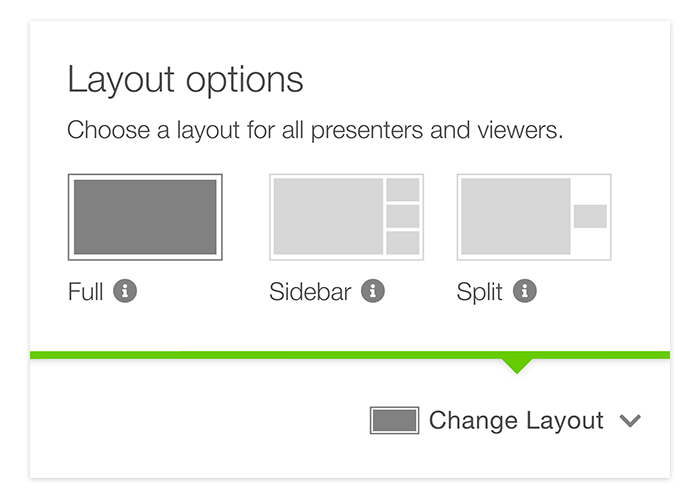
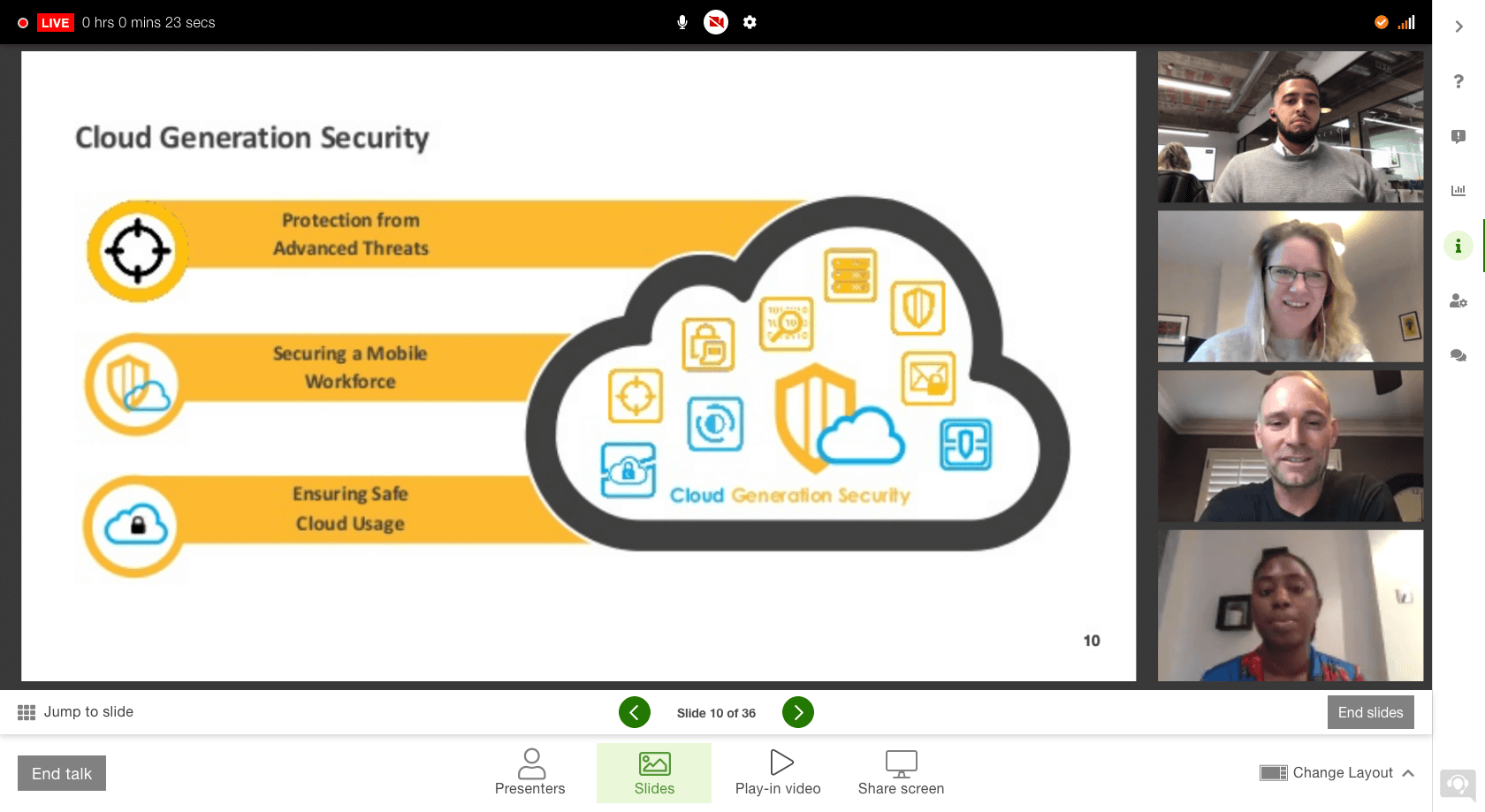
To show content and presenters side-by-side, launch your slides or screen share and then click Change layout on the bottom right of the presenter screen to select "Sidebar" option, which will show all presenters on the right, or "Split" option, which will spotlight active speaker only. Click here for more information on layouts.