
In order to make sure your presenters can access and use the talks platform without issues, we recommend running a dry-run or practice session at least a few days prior to your live event. Please follow the below steps to schedule a dry-run
Step 1: In your BrightTALK Central account, select a "Channel" from the side navigation.
Step 2: Then, under Talk, click on Schedule

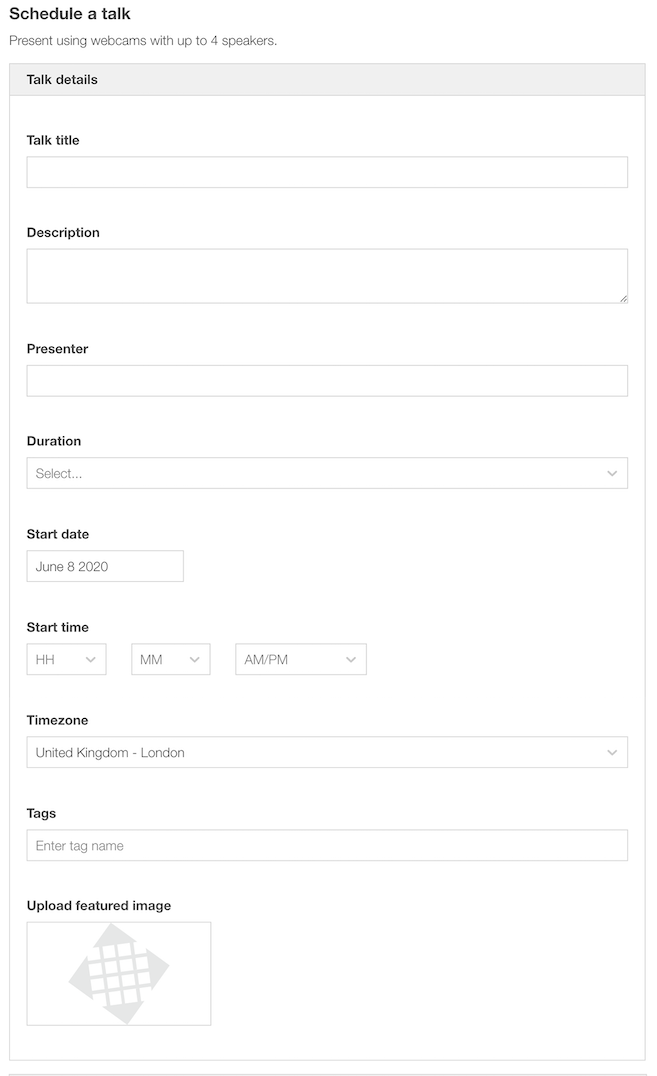
Step 3: Complete the details on the booking form as needed. Note: since this will not be a public event, feel free to use generic information for the title, description, presenter, and tags fields:
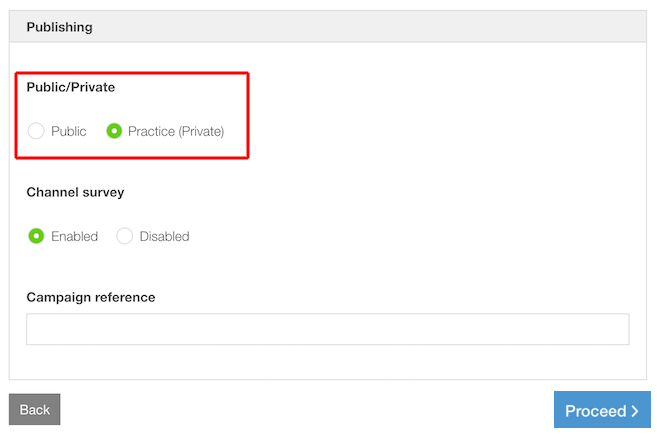
Step 4: Under the "Public/Private" setting, make sure to select "Practice (Private)". This will ensure that the event is not listed publicly in your Channel:
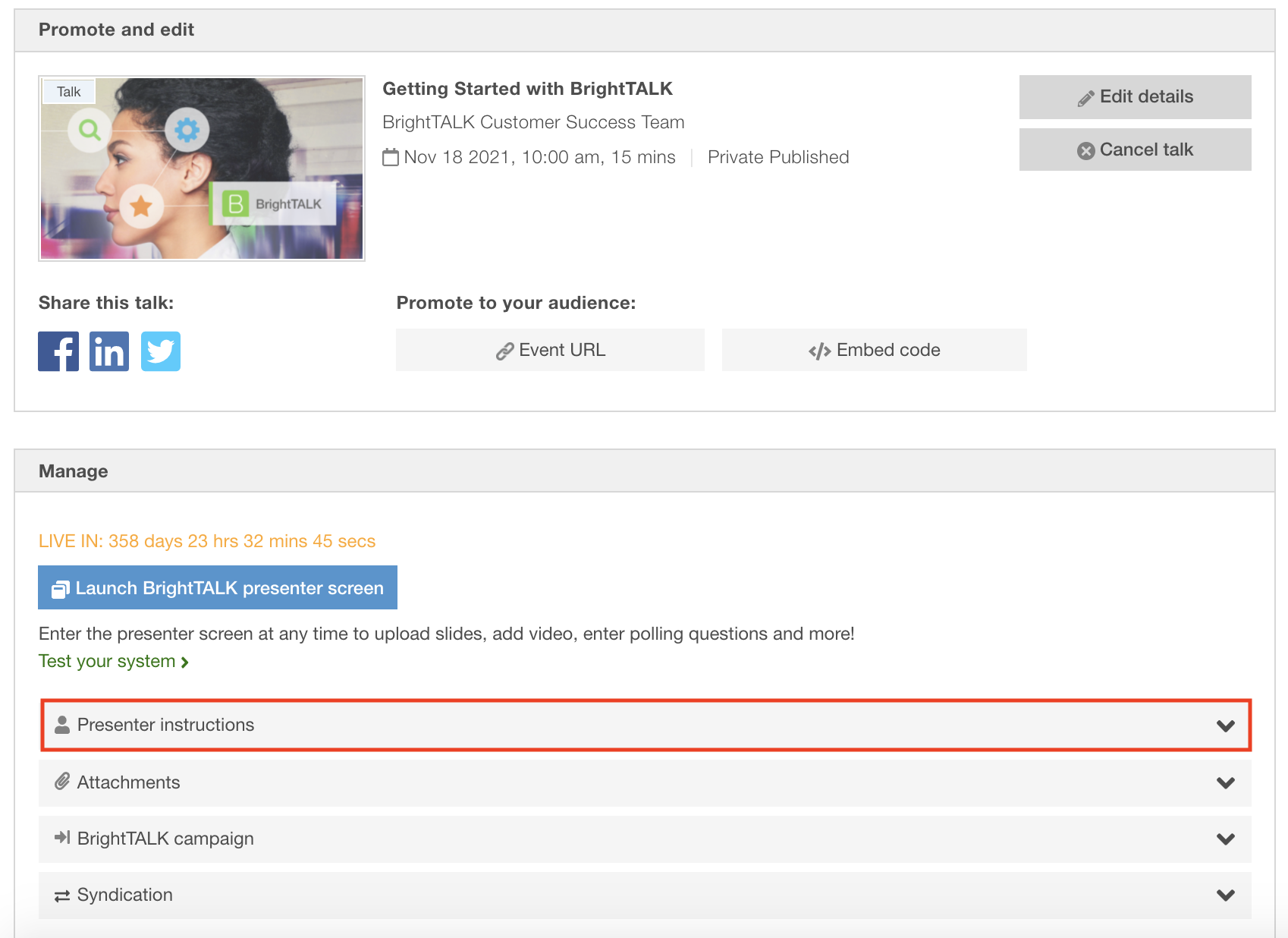
Once you've clicked "Proceed" and completed the scheduling process, your practice talk details will then be visible and you can copy the presenter information and send it to any additional presenters you may have.
For more information on how to present a talk, please click here.